
JZ92 Game Download New Official Money App For Android Latest
JZ92 Game has launched few days ago and become one of the most popular and top trending casino platform among all Pakistani Users. App is specially for Android users who wants quick earning by playing casino games. By adding money users can get a chance to win by their luck. If you are Searching for a top casino style Money APk Then Try 8555VIP Game. Also remember that before trying it research and make sure that it offers real time withdrawal.

Mobile services are now part of everyday life. People like using apps that are easy to open and simple to understand. JZ92 is a name that Android users may find when looking for an online service. It may provide different digital options through a website or supported mobile application. Users can explore the available sections, check account details, and learn about the basic features.
For users in Pakistan, clear instructions are important. Nobody wants to waste time trying to understand confusing buttons or unclear account steps. This guide explains the platform in easy English. It covers the app, APK download, account creation, login, wallet information, and basic safety. The aim is to help readers understand the service before using it.
The Top Things Make JZ92 Game Easy to Explore
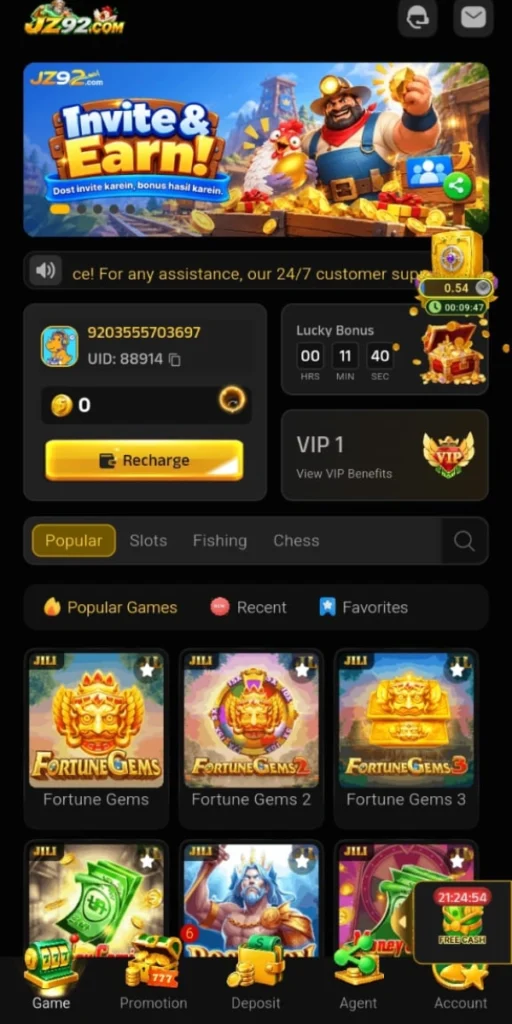
JZ92 a online platform that users may access through third party website or Android application. Its available features can depend on the current new version. The main page may contain different sections for account access and digital activities. Users can start by looking at the menu and reading the names of the available options.
A simple layout can help new visitors understand where to go. However, every feature should be checked before use. The service may change its design or rules over time. Therefore, users should always read the latest information.
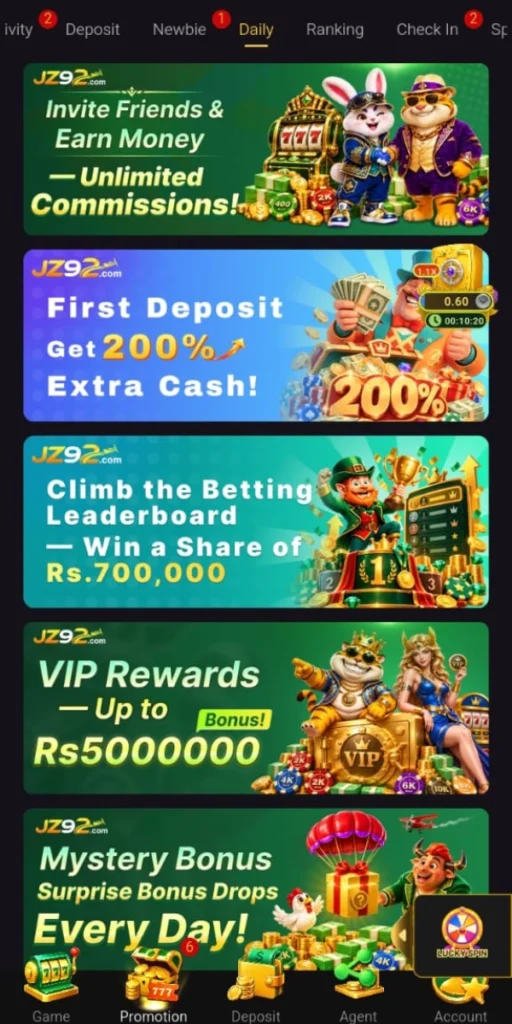
A Little Tour of JZ92 Game Features
Every mobile service has different tools. The following sections explain common features that users may find, depending on the current version.
A Home Page With Clear Choices
The home page is the first place users see after opening the service. It may show the main menu and available options. Clear buttons can make movement between sections easier. New users should take a little time to understand the page.
Your Own Account Space
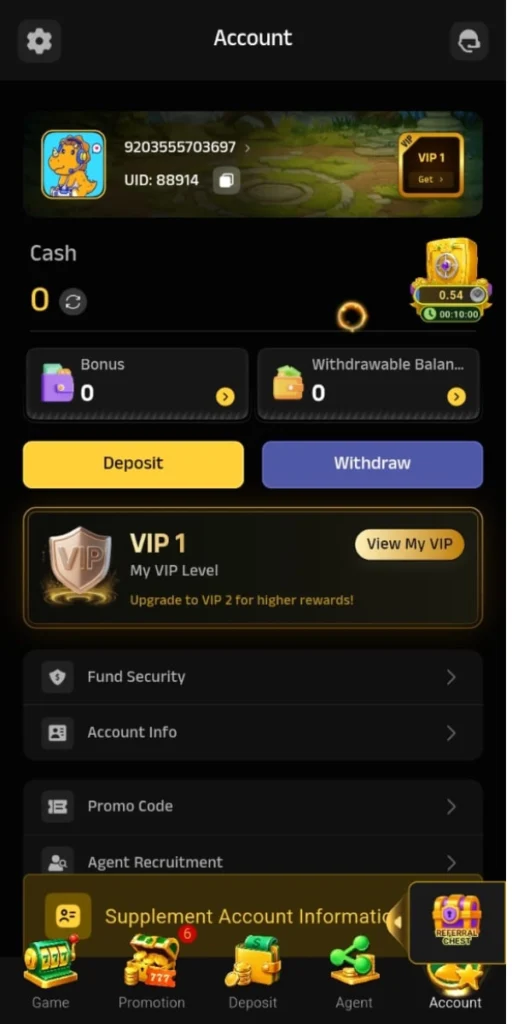
An account area may hold basic profile information and personal settings. Users should check their details after registration. Keeping information correct can help prevent common account problems.
More Than One Activity
The platform may provide different digital entertainment options. Each section can have its own instructions. Users should read them before taking part, especially when a paid feature is involved.
A Place to Check Balance
A wallet section may show balance and transaction details. Users should check the displayed information carefully and save important payment records.
Made for Mobile Screens
Android users often prefer services that are easy to open on a phone. A mobile-friendly layout can make buttons and text easier to read. Actual performance depends on the device and internet connection.
Help for Account Questions
A support option may provide help with login or account issues. Use only verified support details. Never send your password or private security code to another person.
Fresh Details After Updates
Online services may change their features and rules. Check the current version before following older instructions or downloading another APK.
Before You Take the First Step In JZ92 Game
A little preparation can make the whole process easier.
- Look the correct website JZ92.COM.PK.
- Carefully Read the service rules.
- Easily Understand the privacy details.
- Make your own account information ready.
- Choose a strong password.
- Check the available payment methods.
- Make sure your phone has a stable connection.
Do not rush. First understand what the service offers and what its rules require.
Get the JZ92 Game APK on Android
An APK is a file used to install an Android application. Some users choose this method when they want to install an app directly on their phone.
Before downloading JZ92, check the source and file details. Unknown files can create security risks.
Easy Steps for Download
- Visit Our trusted source.
- Find the correct application name.
- Check the version information.
- Read the Android requirements.
- Review the available permissions.
- Download the file only if the source is reliable.
- Wait until the download is complete.
Avoid files shared through unknown messages or suspicious pages.
Easily Bring the JZ92 App to Your Android Phone
After downloading the APK, open your phone’s Downloads folder.
Android may ask you to allow installation from that source. Only continue if you trust the file and understand the permission request.
Way to Install
- Look for the downloaded file.
- Tap it to begin.
- Read the message on your screen.
- Check the requested access.
- Continue if everything looks correct.
- Wait for the setup to finish.
- Open the installed application.
If installation fails, check the Android version and file compatibility.
Make Your Account in Simple Steps
Registration helps users create their own profile when an account is required.
The form may ask for a mobile number, username, password, or verification code. The exact details can change.
Quick Sign Up
- Click the verified platform.
- Select Register or Sign Up.
- Enter the requested information.
- Create a strong password.
- Add a code if required.
- Read the account conditions.
- Check your details.
- Submit the form.
Use your own information. A strong password should be difficult for others to guess.
Open Your Account Again
Already registered? You may use the login page to access your account.
Keep your login details ready and make sure you are using the correct website or application.
Easy Sign
- Visit the APK
- Touch the Login button.
- Enter your registered number or username.
- Type your password.
- Check the details.
- Press Login.
If access fails, check for typing mistakes or use the official recovery option.
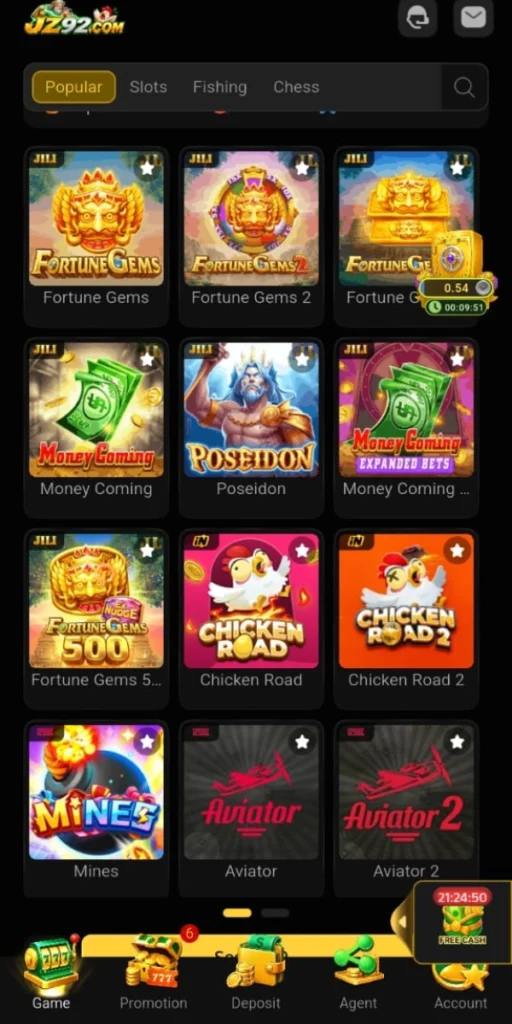
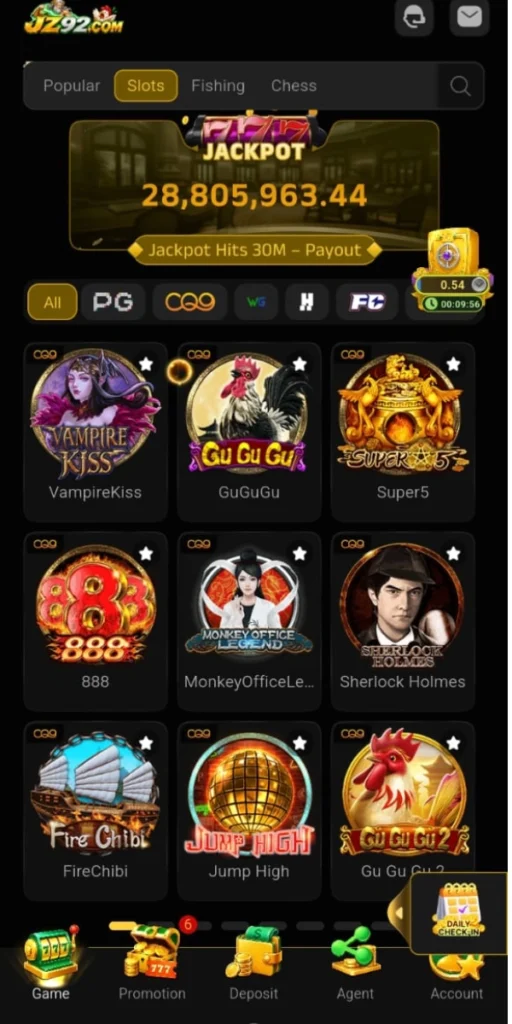
Games Available in JZ92
Aviator
Aviator is a fast game where the multiplier increases as the plane moves. Players can choose when to cash out.
WG Crash
WG Crash offers short rounds with a rising multiplier. The main focus is watching the round and making a timely choice.
Fortune Gems
Fortune Gems uses colorful gem symbols and spinning reels. Matching symbols can create different game combinations.
Money Coming
Money Coming is a simple slot-style game with money-themed symbols. Players spin the reels and watch for matching results.
Super Ace
Super Ace is a classic reel game with card and fruit-style symbols. Its simple design makes the gameplay easy to understand.
Dragon Tiger
Dragon Tiger is a quick card-based game. Players choose Dragon or Tiger before the cards are shown.
Fishing Game
Fishing Game has an underwater theme with different sea creatures. Players aim at targets and collect points during the round.
Plinko
Plinko lets a ball fall through a board filled with pegs. The ball lands in different sections with different outcomes.
Mines
Mines is based on selecting boxes while avoiding hidden mines. Each selection changes the progress of the round.
Lucky Wheel
Lucky Wheel is a simple spinning-wheel game. The wheel stops at a selected section to show the round’s result.
If You Forgot Your Password? Check these steps
Forgetting a password can happen to anyone. Look for the Forgot Password option on the login page. Follow the official instructions to recover access. Choose a new password that you do not use on other websites. Keep all recovery codes private. No genuine support process should require you to share your password with a stranger.
First Learn About Your Wallet
The wallet area may show your available balance and transaction history. Before using it, read the current conditions. Check possible charges, limits, and payment rules. Save transaction details for future reference. If an amount looks incorrect, contact verified support. Never share your wallet PIN or private account code.
Linking Local Payment Details
Payment binding may allow users to connect a supported payment account with their profile. If EasyPaisa or JazzCash is available, follow the instructions shown on the verified platform. Enter the correct details and check every number before saving. Do not share your wallet PIN, password, or one-time code. If the instructions are unclear, ask verified support first.
Adding Money Read This First
Some online platforms provide payment options for registered users. The available methods may change.
Pakistani users may look for EasyPaisa or JazzCash. However, check the current official payment page to confirm whether these options are supported.
Before making a payment:
- Check the correct payment details.
- Read the minimum amount.
- Look for possible charges.
- Confirm the account information.
- Save the transaction number.
- Avoid sending money to unknown personal accounts.
Never trust a promise of guaranteed returns.
Withdraw system
A withdrawal is a request to transfer an available balance to a supported payment method.
The process and waiting time depend on the current rules.
Simple Steps to Follow
- Open your account.
- Find the Withdraw section.
- Read the conditions.
- Choose an available method.
- Enter the required details.
- Check the amount.
- Submit the request.
- Save the reference number.
A request may take time to process. Check its status before trying again.
Do not pay an unexpected fee to an unknown person who promises to release a payment.
Safety and Awareness
JZ92 should be used carefully and responsibly. Before playing, users should understand the game rules and set a clear spending limit. Never use money needed for daily expenses, and avoid trying to recover losses by making bigger deposits. Keep login details private and use a secure password for the account. Users should also take regular breaks and stop playing if it no longer feels enjoyable.
Make Your Phone Ready for Use
A smooth experience also depends on your device. Keep enough free storage and use a stable internet connection. Close unused applications if your phone becomes slow. Keep your Android software updated and avoid modified APK files from unknown sources. These simple steps can help reduce common technical problems.
Website or App: What Should You Know?
Users may be able to access a service through a browser or an installed application.
| Website | Android APK |
| Opens in a browser | Installed on a phone |
| No app setup needed | Requires installation |
| Uses browser settings | May request phone permissions |
| Depends on website access | Depends on Android support |
| Uses the current web version | Uses the installed version |
Always check the source before using either option.
Safe or Scam to Use
Before using JZ92, users should check its privacy information, payment conditions, contact details, and account rules. A good looking page alone does not prove that a service is reliable. Read independent information and avoid claims that promise guaranteed income. If paid activities are available, remember that money can be lost.
Do not use borrowed money or funds needed for important daily expenses. Also check the laws and age requirements that apply in your location.
If Something Does Not Work
The App Is Not Opening
Check your internet connection and restart the application. Make sure your phone supports the installed version.
APK Is Not Installing
The file may be incomplete or incompatible. Check the source and Android requirements.
Login Is Not Working
Review your username and password. Use the official recovery option if necessary.
Payment Is Taking Time
Check the transaction history and save the reference number. Contact verified support if the status remains unclear.
The Page Looks New
The service may have changed its layout. Follow the current instructions rather than old screenshots.
Make Your Personal Details Private
Online safety is important for every user.
- Use a private password.
- Keep verification codes secret.
- Avoid unknown download links.
- Check website addresses.
- Lock your phone.
- Read payment rules.
- Do not trust guaranteed earning claims.
- Never give remote access to strangers.
These habits can help protect your account and personal information.
Little Checking Matters
Learning about a platform before using it can prevent many simple mistakes. When users understand registration, they can enter their details correctly. When they read payment rules, they know what conditions may apply. It is also useful to know where to find support before a problem happens. Taking time to understand a service gives users more control over their decisions.
Questions Many Users Ask
Can I open it on Android?
Access may be available through a supported website or application. Check device compatibility first.
What does APK mean?
APK is an Android application file used for installation.
How do I register?
Open the verified registration page, enter the required details, and follow the instructions.
What if I cannot log in?
Check your details or use the official password recovery option.
How can I check my withdrawal?
Review your wallet history and save the transaction reference.
Can I use it without downloading an app?
If a supported website is available, you may access it through a browser.
Is every feature free?
Charges and conditions can vary. Read the current terms before using paid options.
Are earnings guaranteed?
No result should be treated as guaranteed. Paid activities may involve financial loss.
User Before Leave JZ92 Game
JZ92 is a name that Android users may find while exploring online mobile services. Its available features, account tools, and payment options can change over time. Before starting, check the source, understand the account steps, and read the latest rules. Keep your private information safe and avoid unclear payment requests. A little care can make the whole process easier to understand. Take your time, learn the available options, and make your own decision.